8721
Update: Filter (Squawks)
AirNav RadarBox Filters (Squawk)
We've recently added a new filter option on RadarBox.com, the filter for squawks, and it is now possible to track flights and aircraft by squawk code.
Squawks
The primary goal of a squawk code is to provide effective communication between air traffic control and the aircraft. Squawk codes are composed of four digits, and are usually assigned a number between zero and seven.
To use this filter, go to "Filters," located on the right side of RadarBox.com, and find the "Squawk" item.

AirNav RadarBox Filters (Squawk)
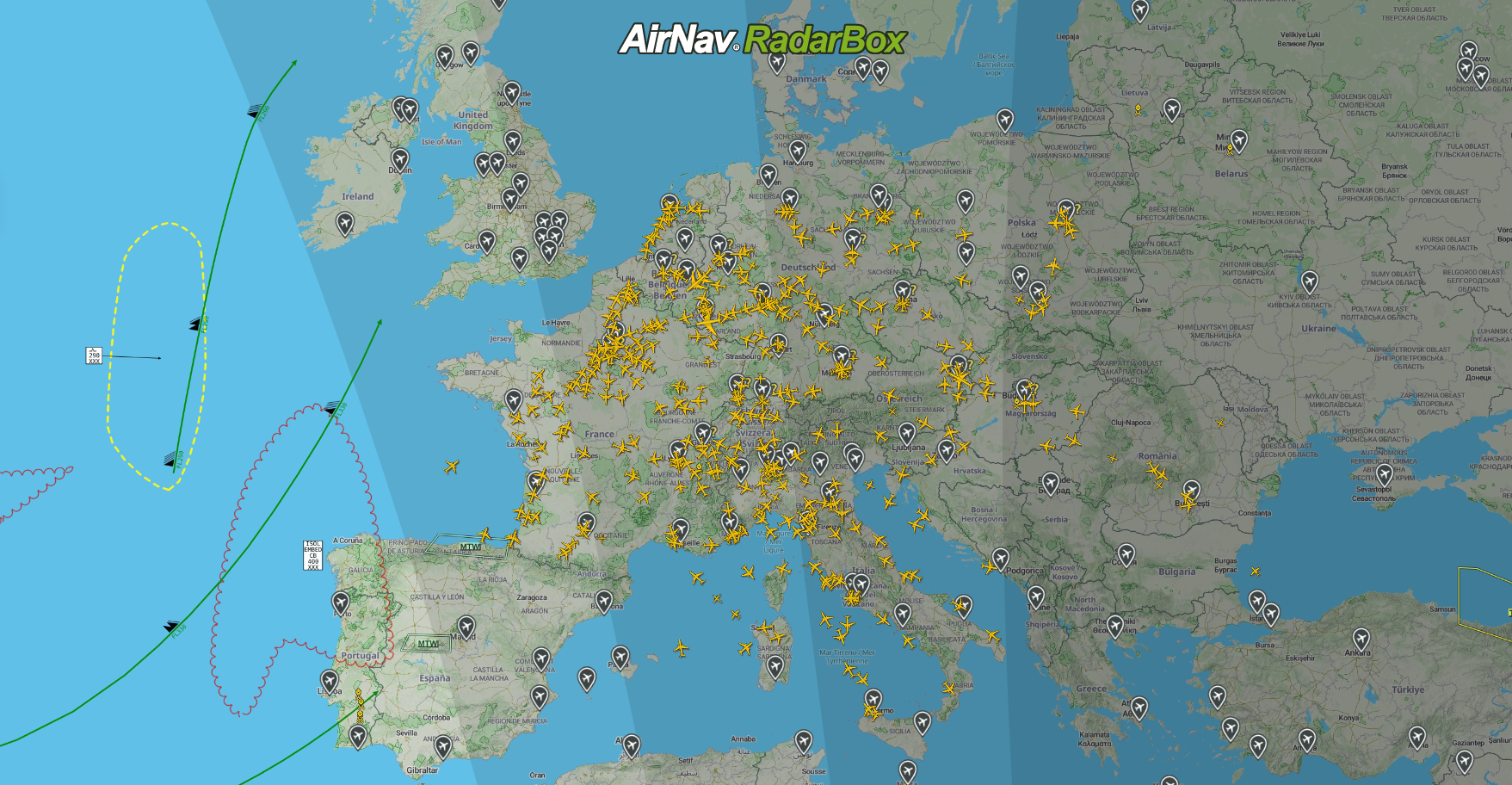
Next, enter the preferred squawk code. To deactivate this filter, click on "Clear". For example, this screenshot has filtered aircraft and flights by squawk 1000.

AirNav RadarBox Filters (Squawk)