Explore a Wide Variety of Filters on AirNav Radar
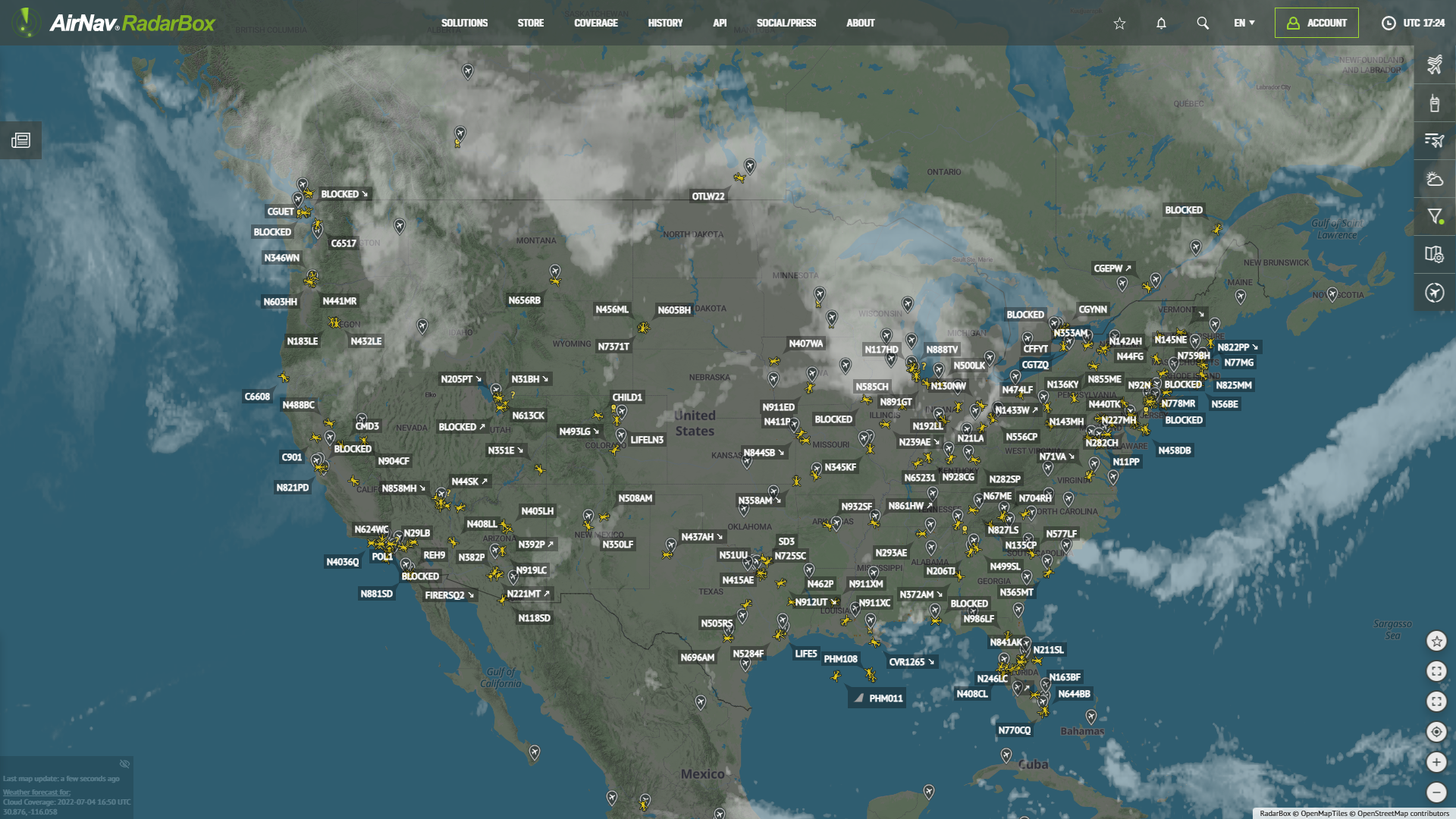
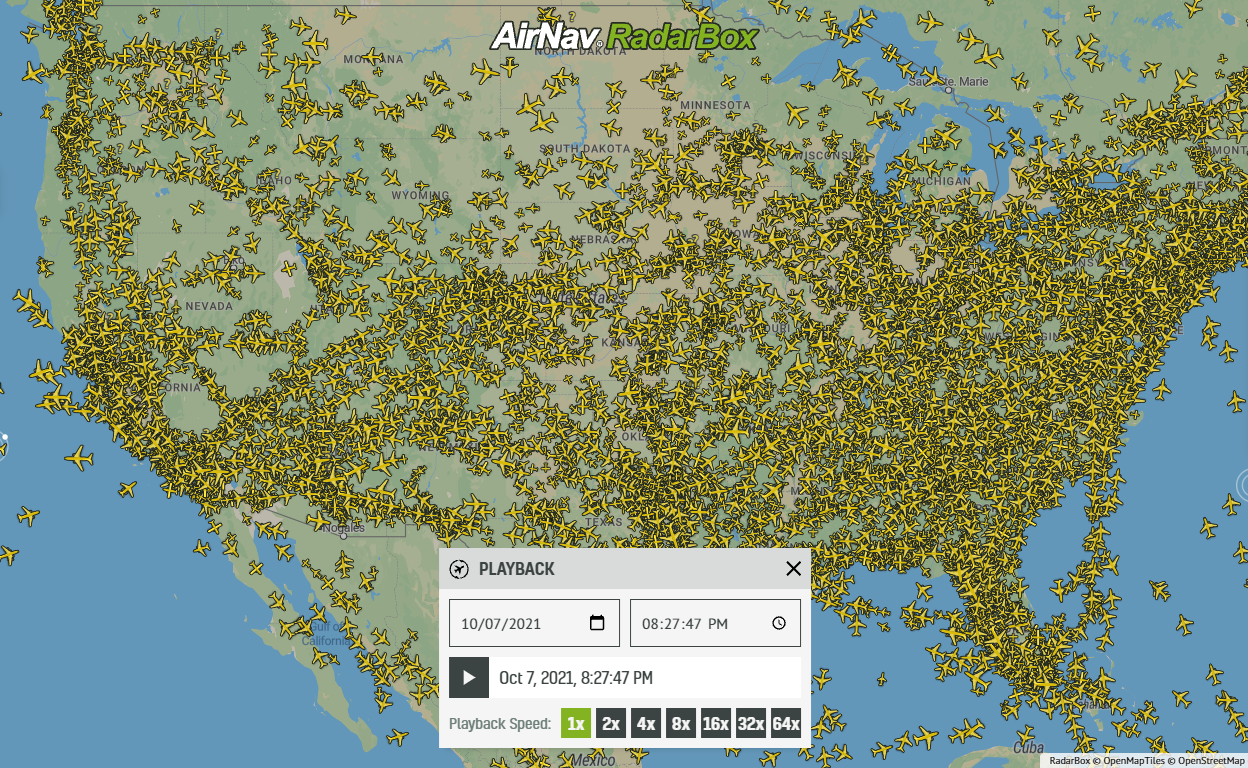
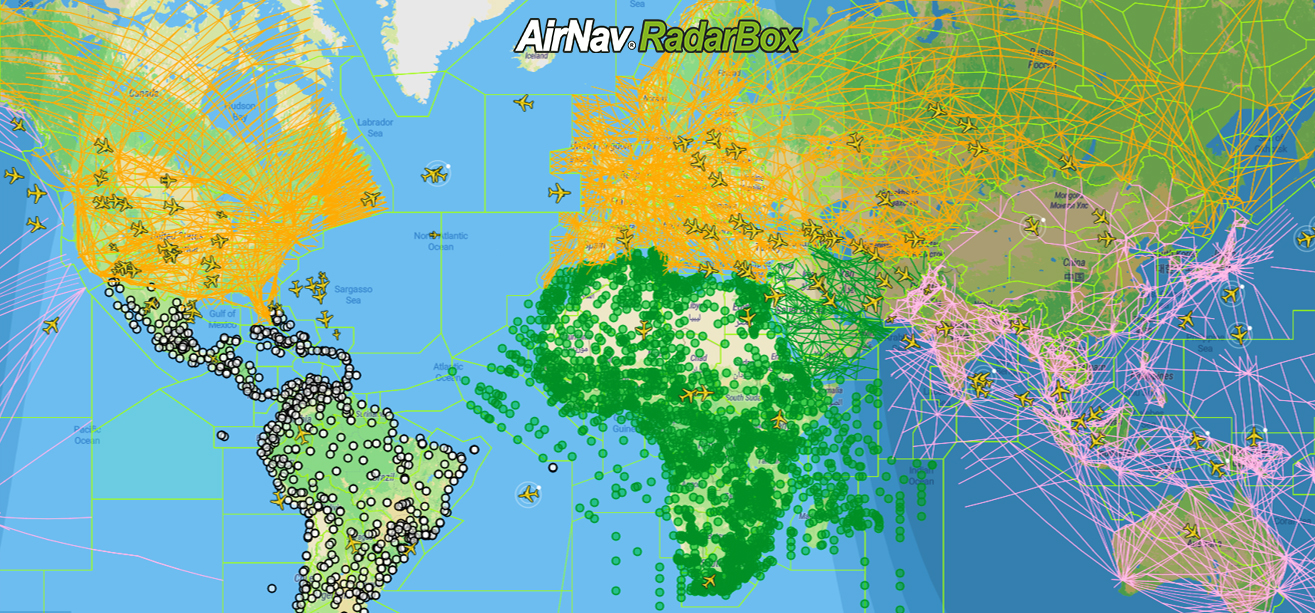
AirNav Radar offers a robust set of filters that let you customize your flight-tracking experience and focus on what matters to you. Whether you are an aviation enthusiast, researcher, or professional, our filters help you analyze air traffic with precision and clarity.
These filters make it easy to monitor specific operations, analyze traffic patterns, or track specific aircraft in real time.
How to Use Filters on the Website

-
Open AirNav Radar on the web.
-
Click on “Filters” in the interface.
-
Choose the filter you want to apply.

Example: Filtering Military Aircraft
-
Inside Filters, select “Aircraft Class”.
-
From the available options, choose “Military”.
Once applied, the map will display only military aircraft, allowing you to track their movements in real time with greater focus.
Available Filters
On AirNav Radar, you can filter flights by multiple criteria, including:
-
Airline
-
Airport
-
Altitude
-
Speed
-
Aircraft class
-
Aircraft model
-
Country of registration
-
Squawk
-
Flight duration
-
Flight distance
-
Flight status
-
Data source
How to Use Filters on the App

Using filters in the AirNav Radar app is just as simple:
-
Open the AirNav Radar app.
-
Tap the filter icon (a cup symbol).
-
Go to Filters.

-
Select Aircraft Class.
-
Choose Military.
The map will instantly update to show only military flights, giving you the same level of control and detail available on the web version.
Unlock More with Our Plans
Advanced filtering and enhanced tracking features are available through our subscription plans. Discover the plan that best fits your needs:
Learn more about our plans:
https://www.airnavradar.com/subscribe
Download the AirNav Radar app:
https://airnavradar.go.link/5jiEW
With AirNav Radar’s filters, you decide what you want to see — and how deeply you want to explore the skies.