Bookmarks: Map View

Bookmarks (Mapview) on RadarBox.com
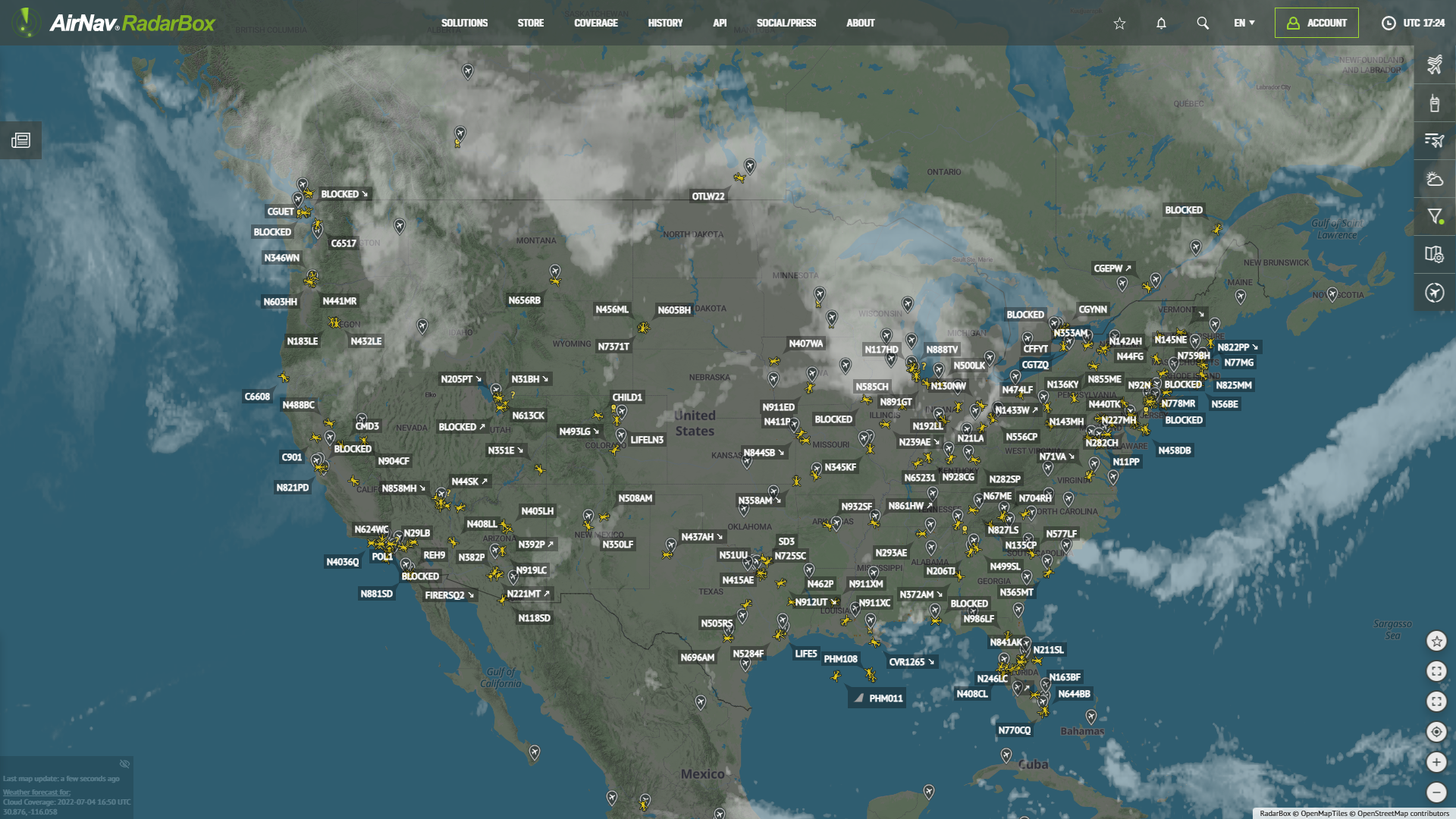
In this blog post, we feature the RadarBox bookmark - map view available on our website and app. The bookmark for geographic regions allows you to save your favorite regions or location in the world to access these locations or bookmarks on the map. Save it in bookmarks, and you'll be able to access it easily and quickly on our apps and website anytime, anywhere. Read more about our bookmarks here.
To use this tool, access RadarBox.com, find the item "Add Mapview Port to Bookmarks" on the right side and click on it. Or select the star icon at the top of the website to manage or create new bookmarks.

Bookmarks (Mapview) on RadarBox.com
You can move your mouse to the geographical region you want to save. Selecting the bookmark, save it. It is worth remembering that you can give the bookmark a name or use the default mode (latitude and longitude). In this case, we've created a bookmark for India.

Bookmarks (Mapview) on RadarBox.com

Bookmarks (Mapview) on RadarBox.com
RadarBox Apps
RadarBox bookmarks are also available for Android and iOS. The usability is the same as for RadarBox.com - click on the star icon of a flight, airport, or aircraft or create a new one. You can manage or even delete existing bookmarks.

Like what you see? Why not download the RadarBox app on your smartphone today?


To use this tool, why not consider subscribing to RadarBox? Click here to subscribe!