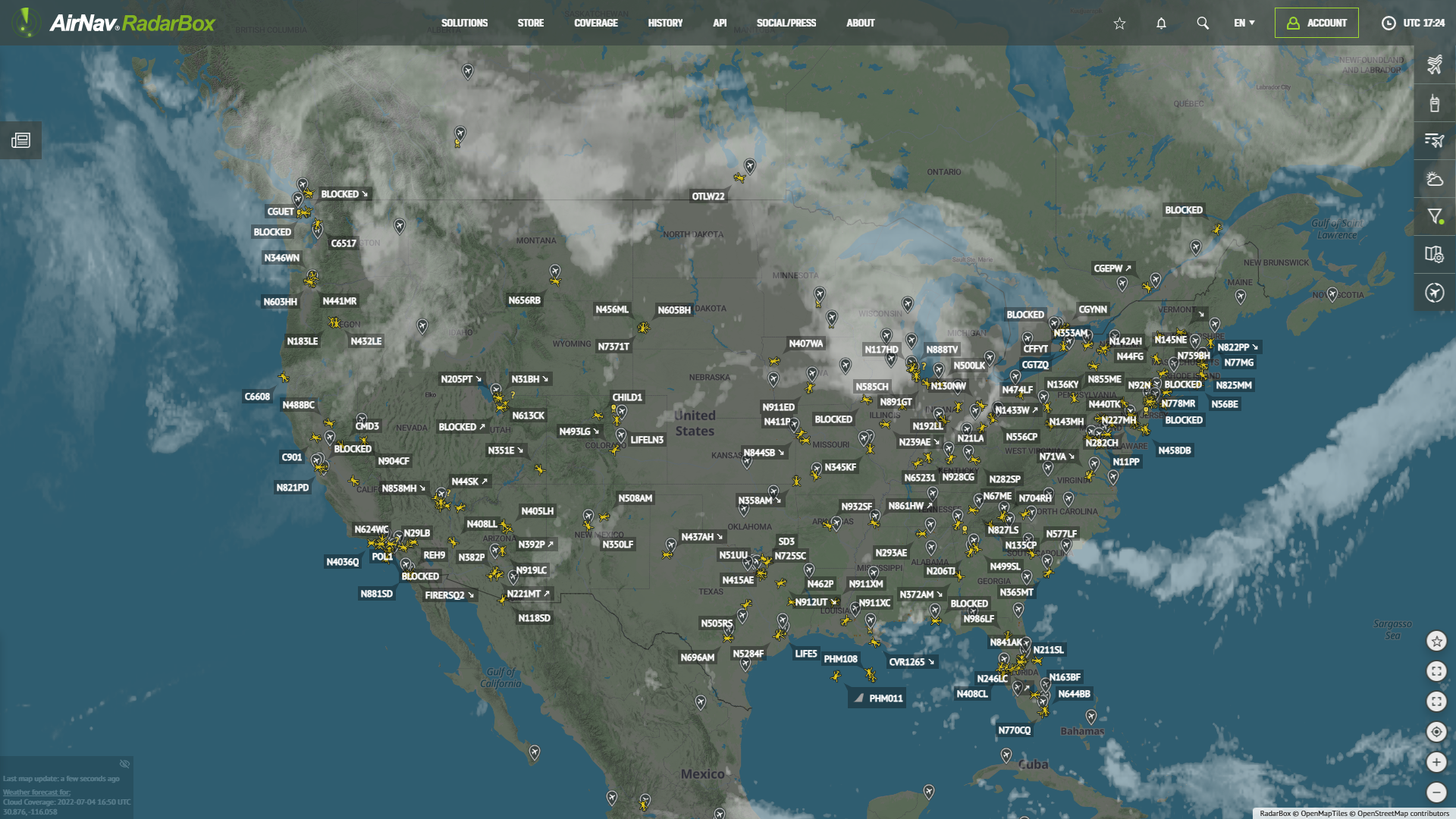
AirNav RadarBox Features: News Menu
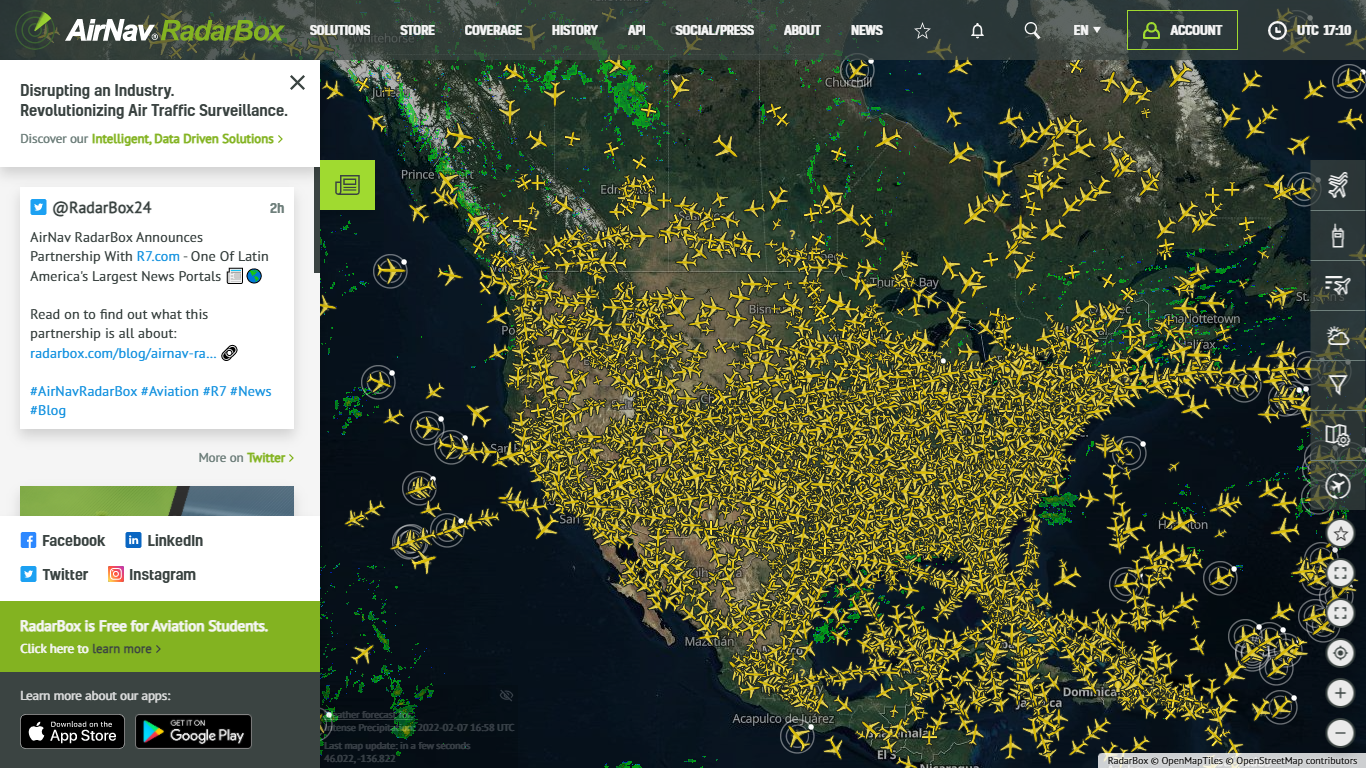
The Image Above: Media item displayed on RadarBox.com
This week, our focus turns to the news menu available on RadarBox.com. The media menu displays the latest tweets and blog posts from RadarBox.
How to activate News Menu on RadarBox.com?
Visit RadarBox.com, and click on the "Media" item on the left side of the page.

The Image Above: Media item displayed on RadarBox.com
On the media bar, you'll be able to see RadarBox's latest tweets and blog posts. The example below displays the latest tweet posted by RadarBox's Official Twitter account.
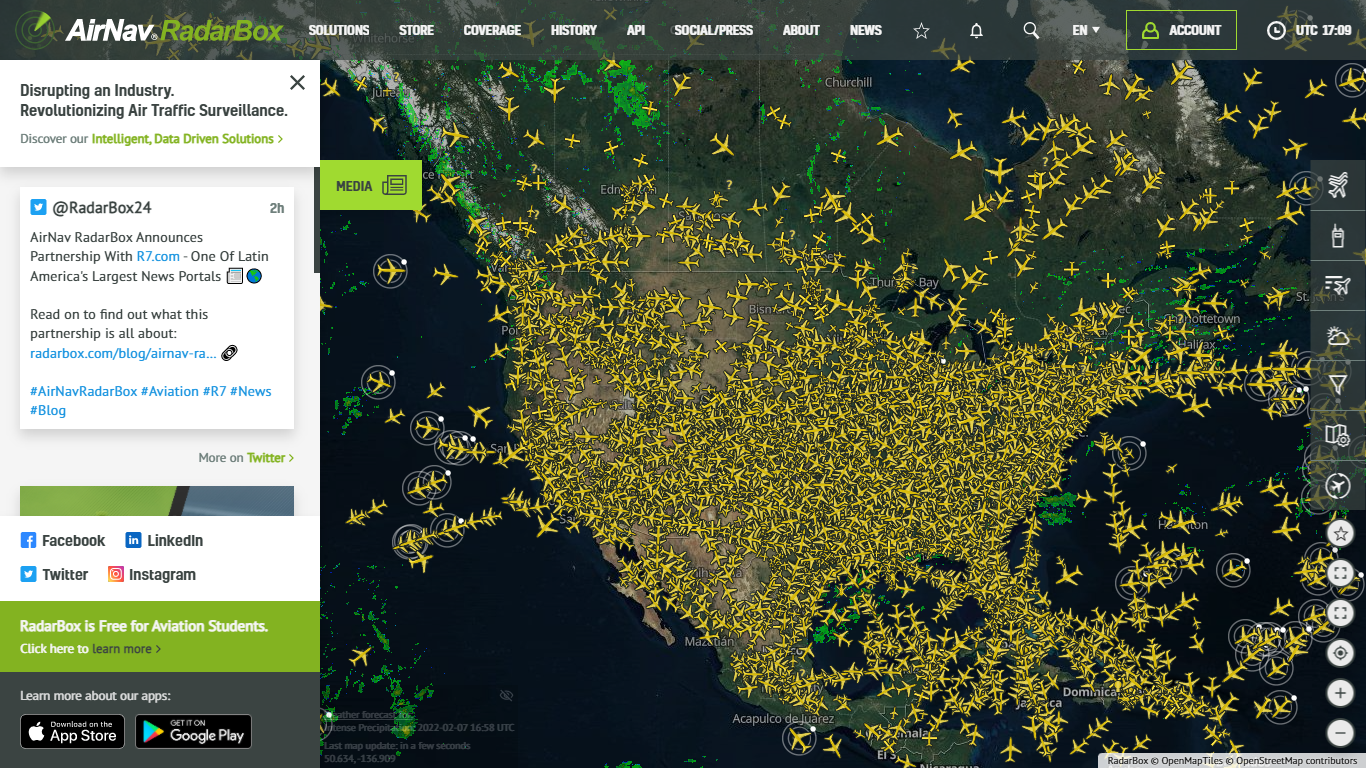
The Image Above: Media item displayed on RadarBox.com
The latest blogs and blog posts from our affiliates are displayed in this item.

The Image Above: Media item displayed on RadarBox.com
Student Subscription Offer
AirNav RadarBox is pleased to offer budding aviation students worldwide a complimentary 1-year RadarBox Pilot Account Subscription!
If you are an aviation student, apply now: https://www.radarbox.com/student-offer
Download our apps now: