AirNav RadarBox Features: Satellite & Dark Maps
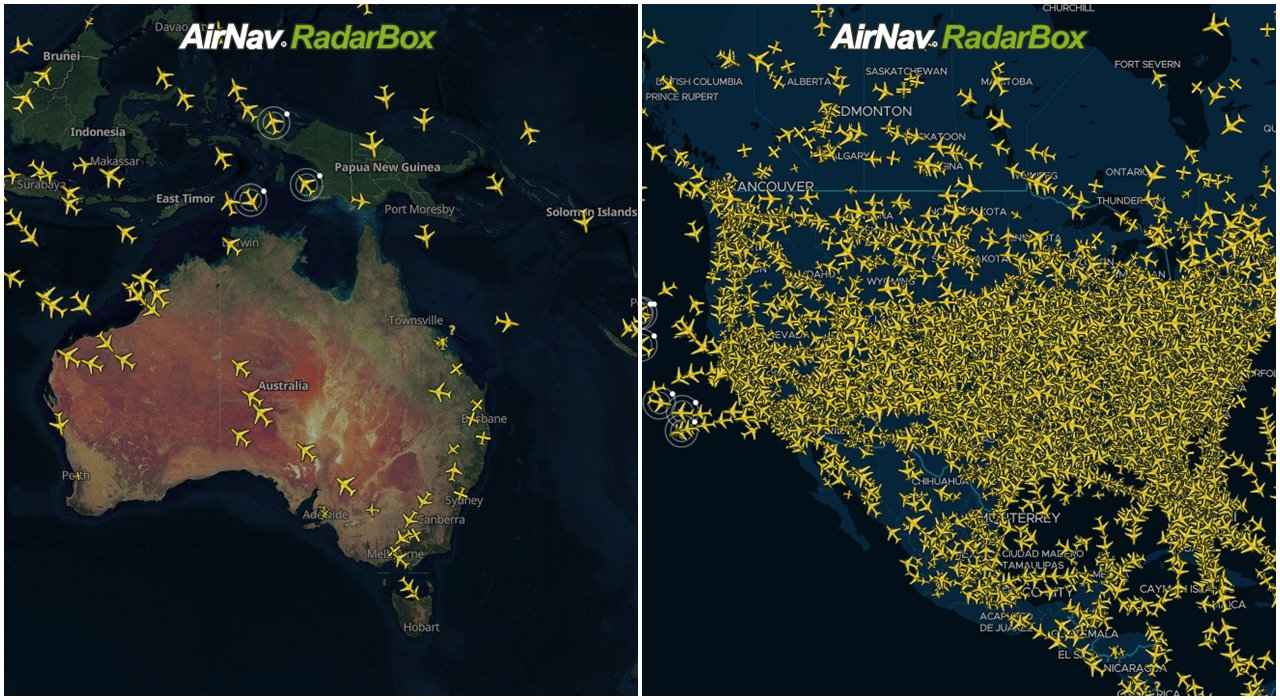
The Image Above: RadarBox Satellite (Hybrid) and Dark Map Options
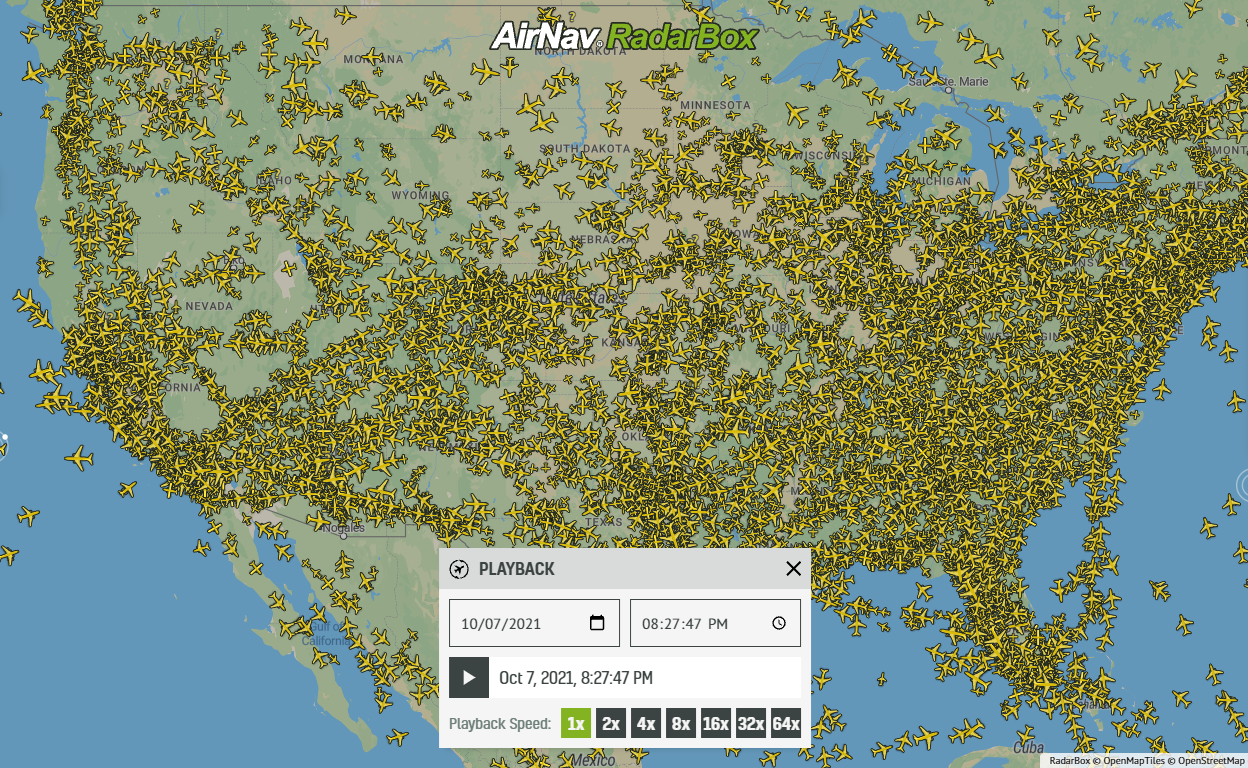
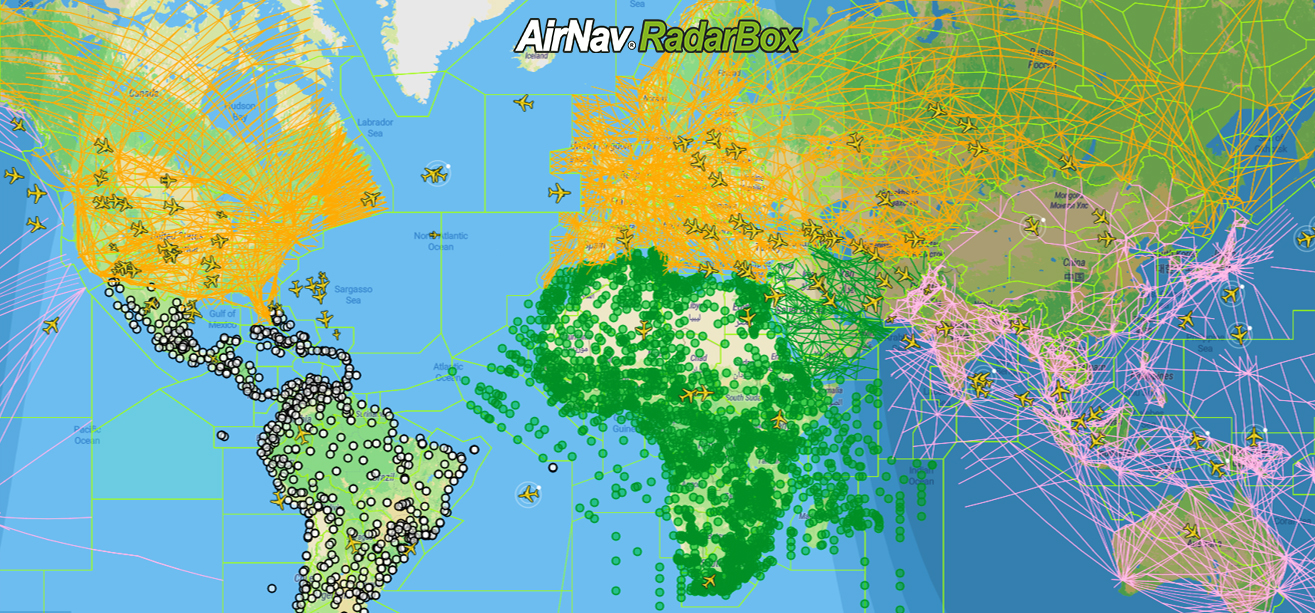
This week's blog post features two popular maps styles available on RadarBox.com and RadarBox apps: the satellite and dark map. A total of 7 map options are currently offered on AirNav RadarBox.
List of maps available:
- Terrain
- Classic (Flat)
- Sky Vector VFR
- Sky Vector LO
- Sky Vector Hi
- Satellite Map
- Dark Map
Satellite (Hybrid map)
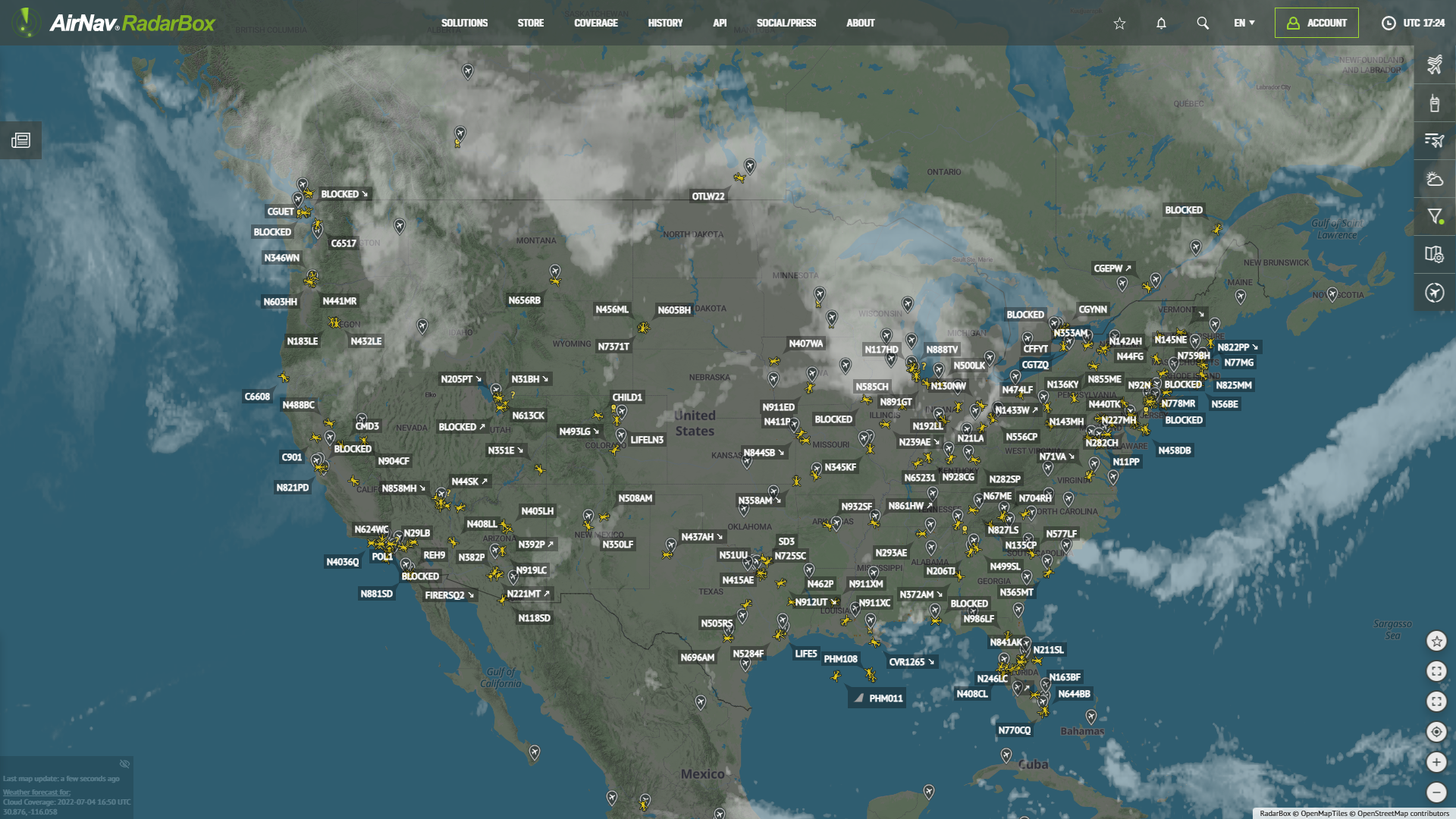
This map option displays a map with satellite imagery. Satellite-style maps are ideal for those who prefer a geographic overview of the earth with flights overlayed in a contrasting manner.

The Image Above: RadarBox Satellite (Hybrid) Map
Dark Map
Dark maps overlay lighter yellow-colored aircraft on a dark blue map. Landmasses are shown in a light shade of blue, whereas water bodies are shown in a darker shade of blue.

The Image Above: RadarBox Dark Map Option
RadarBox Apps
These map options are also available in the RadarBox apps (iOS and Android). Just select the map options and select the map you want to be displayed.

The Image Above: Map options tutorial for apps
To enjoy these benefits, why not consider subscribing to our plans? Subscribe here!
Download our apps now: